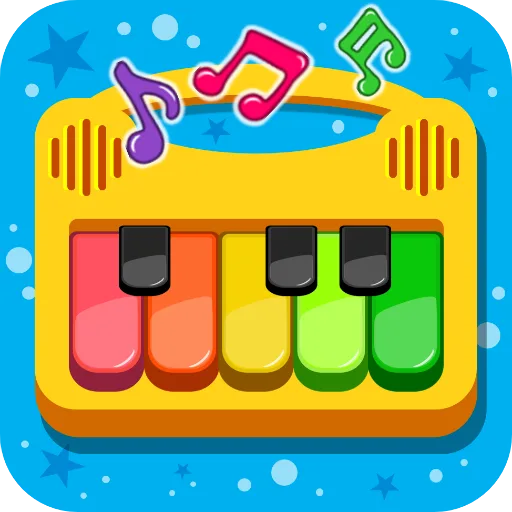
Piano Kids - Music & Songs
Orange Studios Games

| Category | Music |
| Installs | 100,000,000+ |
| Version | 3.73 |
| Updated | Jun 24, 2026 |
About this game
Game Overview
Piano Kids - Music & Songs is a free Android music app from Orange Studios Games built around touch-based instrument play, simple song learning, and sound recognition. It is aimed squarely at children, but the description also frames it as something parents can join in on. The experience is split into four modes: Instruments, Songs, Sounds, and Play, so the loop shifts between tapping out notes, following guided melodies, and exploring audio prompts tied to everyday objects. The presentation is bright and colourful, with real instrument sounds and a straightforward interface that suits short, repeatable sessions on a phone or tablet. It sits closer to an educational toy than a traditional rhythm game, and its appeal comes from variety rather than depth.
Core Gameplay Features
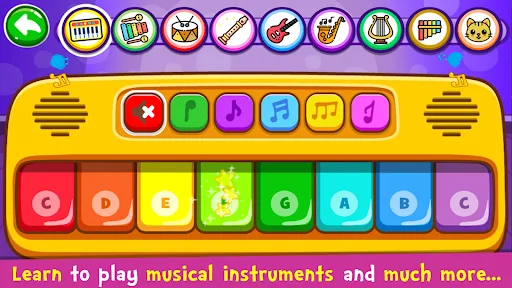
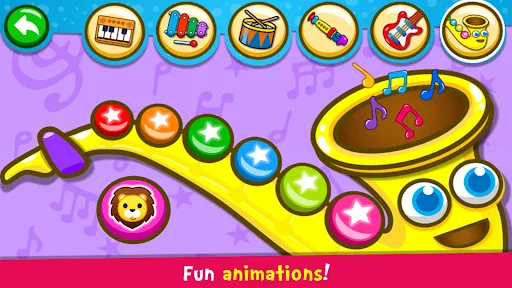
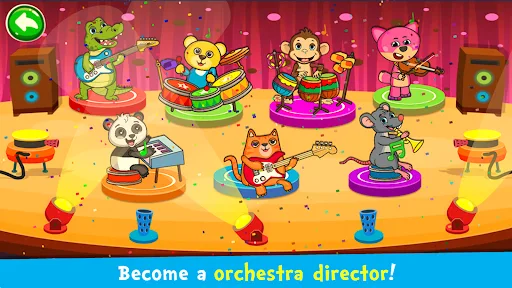
- Instrument Mode This mode lets children tap instruments such as piano, drums, saxophone, flute, and guitar, each with its own sound. It encourages improvised play and simple melody-making.
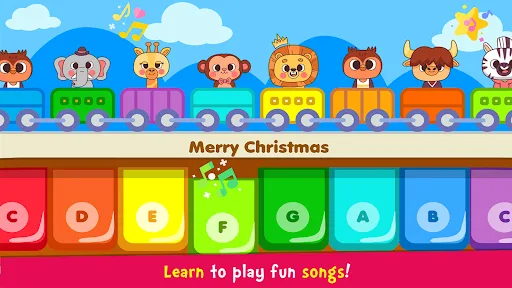
- Song Learning The Songs mode includes guided play with an Auto Play option that demonstrates melodies first. Characters indicate the next note, which makes the learning loop more structured.
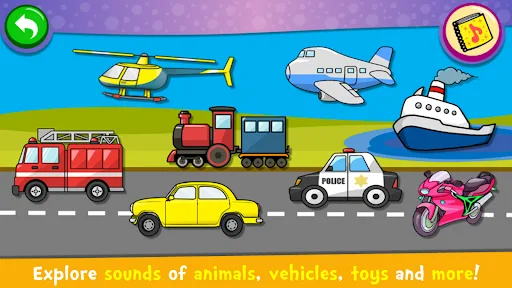
- Sound Exploration Sounds mode focuses on recognising object noises and learning labels for colours, numbers, letters, and shapes in several languages. It mixes listening practice with basic vocabulary.
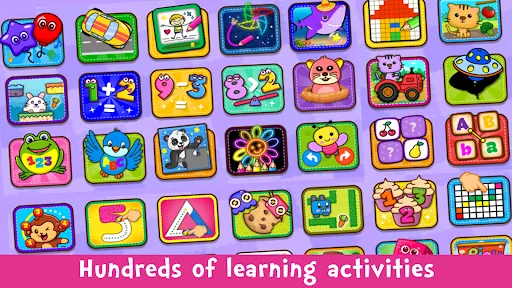
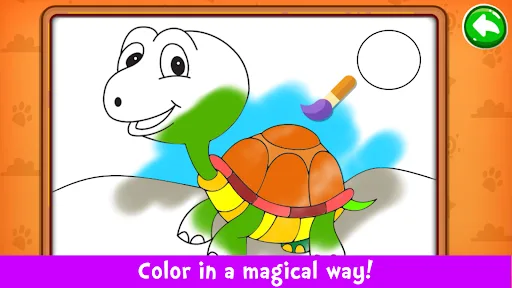
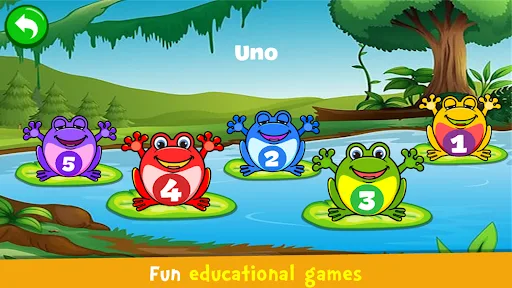
- Mini-Game Collection The Play mode bundles puzzles, colouring, drawing, memory tasks, and simple counting or alphabet activities. That gives the app more variety than a single instrument screen.
- Family-Friendly Design The interface is described as intuitive and easy to use, with bright visuals and large touch targets. That makes it more approachable for toddlers and early readers.
What Makes It Stand Out
Among children’s music apps, the main advantage here is breadth. It is not limited to one instrument or one learning style, and the store listing suggests a large, established free release with strong user interest on Google Play.
- Large Install Base The Android listing shows 100,000,000+ installs and more than 724,000 ratings, which suggests broad reach and a long-running audience on the Canada Google Play Store.
- Educational Range It combines music, sounds, letters, numbers, shapes, and memory activities in one package. That variety gives it broader utility than a simple piano toy.
- Accessible Presentation The colourful interface and real instrument samples are designed for very young players. The app should be easy to understand without much adult explanation.
Things to Know Before Playing
The practical picture is straightforward: this is a free, child-focused Android app with an Everyone rating, but it is also likely to rely on store monetisation because of its scale and free status. The main question is whether the educational variety is enough for the child’s age and attention span.
- Android Only It is available on Google Play for Android phones and tablets only. There is no App Store version listed for Canada, so iPhone and iPad users are out of luck.
- Free Store Monetisation The app is free to download, and the listing does not mention a paid upgrade. Free mobile apps commonly include ads or optional purchases, so parents may want to check the store page before installing.
- Child Age Fit The Everyone rating makes it suitable for general family use, but its strongest appeal is clearly to toddlers and younger children. Older kids may find the activities too simple once the novelty wears off.